HelixCode User Guide

← Back to App

1. Data Entry

Use the left sidebar to enter your codes. You have two options:

  • Manual: Type your words separated by spaces. One line = one set of codes.
  • File: Import a .txt file containing the codes with the same format as the manual input.

Note: Check "Ignore Case" to convert all letters to uppercase automatically.


Click the Execute button (or press Ctrl+Enter) to launch the analysis.
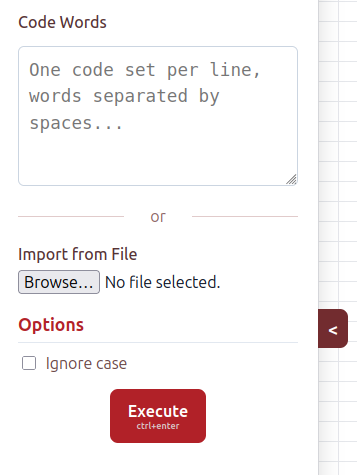
Sidebar screenshot
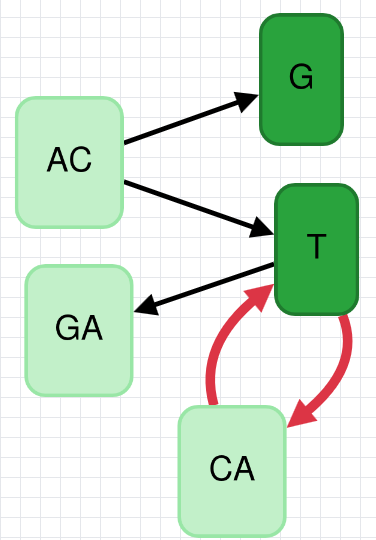
Graph screenshot

2. Graph Visualization

The graph displays the relationships between words:

  • Nodes : Represent the code words.
  • Colors: The darker the green, the shorter the word.
  • Arrows: Indicate vertices .

Warning Red arrows indicate a cycle (the code is not circular).

3. Results Analysis

The bottom panel displays the final verdict along with statistics: the number of words, the length of the words, the alphabet, the vertices, and the edges.

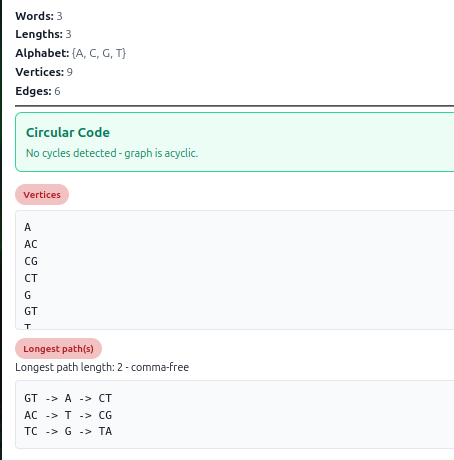
Circular Code

No loops detected.

The app calculates the code depth (e.g., comma-free). This is a valid result.

Success Result
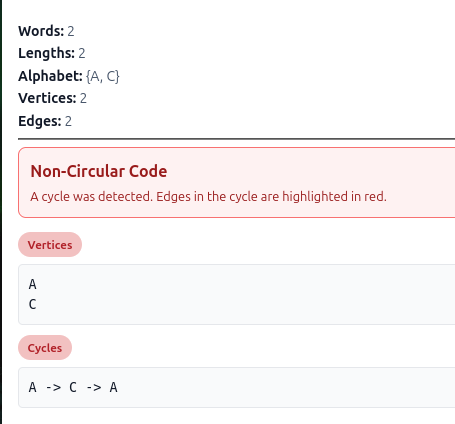
Non-Circular

A cycle was found.

The list of words forming the cycle is displayed. This set is not a circular code.

Error Result
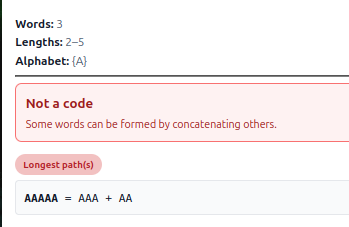
Error: Not a code

Composition detected.

A word is a composition of other words in the set. It is invalid.

Not a code

4. Tools and Navigation

Use the floating buttons to interact with the application: